
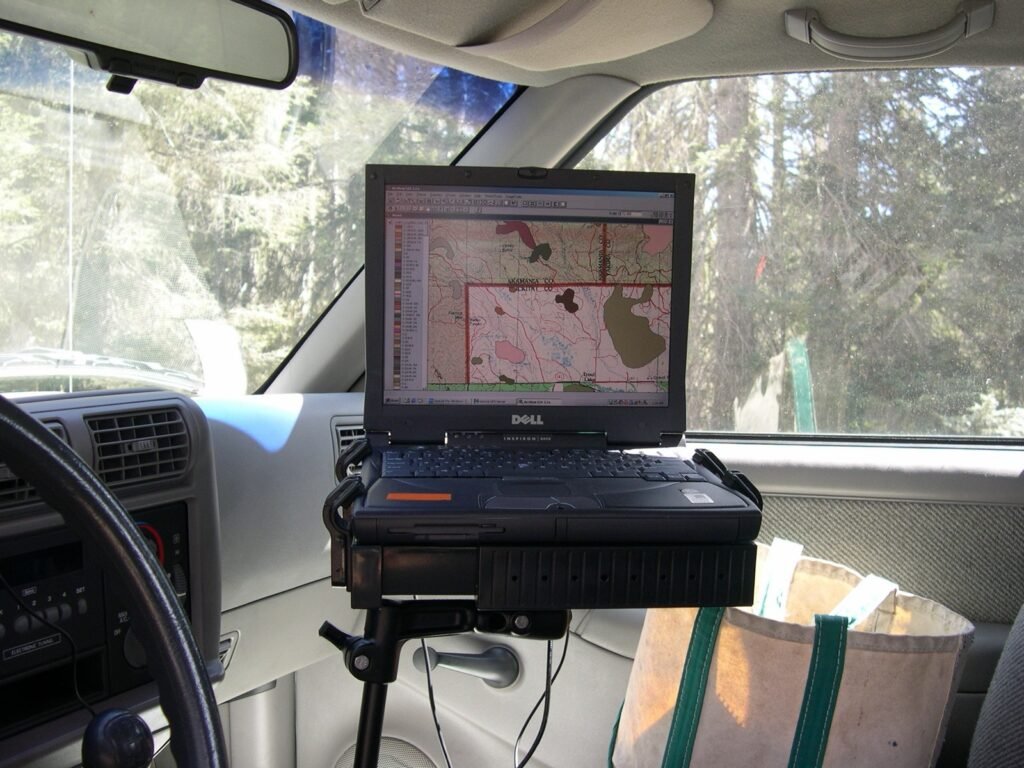
Look around any coffee shop, any office, any living room. Everyone is bent forward at the same angle, staring into a glowing rectangle, with one hand on a small slab and the other on a bigger slab. The whole posture is wrong. We know it’s wrong — that’s why ergonomic chairs are a $2 billion industry — but we keep doing it because the computers we built require it.
I think we’re at the end of that era. Not because somebody invented a magic new screen. Because computing itself is finally able to leave the rectangle.
I call what’s coming ambient computing. The phrase isn’t new, but most uses of it are about smart speakers or watches — small devices that ask you to look at them too. That’s not what I mean. I mean a way of working with computers that doesn’t require you to face a screen at all. Where the machine listens, talks back, sees what you see, and the keyboard becomes optional rather than mandatory.
The pieces of it are already shipping. They just haven’t been assembled.
What ambient computing actually looks like
Sitting in a hot tub a few weeks ago, I sent a text from my phone: “find me the best rated electric guitar at this price range, screenshot it, and text it back to me.” Two minutes later my phone buzzed with the screenshot. The Mac on my desk had searched, found, captured, and sent back, while I stayed in the tub.
That’s an ambient-computing moment. No screen. No keyboard. The computer was a participant in what I was doing rather than the thing I had to stop and walk over to.
The same week, I had a hands-free coding session — speaking into the room, hearing a cloned version of my own voice narrate what the AI was doing, course-correcting verbally. No mouse. No keyboard. No screen-watching. The work got done. The AI told me when it was done. I went on with my day.
Both of these worked on hardware I already owned. A MacBook Pro on the desk. An iPhone in my pocket. The pieces that turned them into an ambient system are open source and free.
Three pieces that already exist
1. Local AI. A current MacBook Pro can run a 70-billion-parameter language model entirely on the GPU side of its unified memory. That model is good enough to write code, draft documents, summarize content, and run multi-step tool-using workflows. It does this with no internet and no subscription. The model lives on the machine; the inference happens on the machine.
The fact that this is true on consumer hardware is a recent development. It wasn’t true two years ago. And it’s the foundation of everything else.
2. On-device speech. Apple’s SFSpeechRecognizer — the same engine that powers the dictation feature in macOS — runs entirely on your Mac. You can wrap it in a continuous-listening daemon and have it transcribe everything you say into a target window, no cloud round-trip. Pair it with a local TTS engine running a cloned version of your own voice (the cloning runs on the Mac too) and you have full speech in, full speech out, neither end touching a network.
3. Phone-as-remote. iMessage on a Mac can be driven by AppleScript. That means anything your Mac can do — search, code, browse, compose — can be triggered by a text from your phone. The phone becomes a remote for the more powerful machine, and the more powerful machine handles the heavy lift while you’re somewhere else.
Stack those three together and you have a workflow where:
– You can ask the Mac to do something while you’re nowhere near it.
– You can hold a spoken conversation with it without typing or looking.
– It can produce real work — code, documents, research, video — and deliver it back to wherever you are.
That’s ambient computing. Not Siri. Not Alexa. The full deal.
Why this matters now
Two arguments. The boring one: the bodily cost of screen-and-keyboard computing is real and accumulating. Carpal tunnel, posture damage, eye strain, the chair-and-desk economy that exists to patch over the damage we’re doing to ourselves. We’ve been pretending this is fine for thirty years. It’s not.
The interesting one: ambient computing is what makes a different relationship with the machine possible. When the computer is something you face for eight hours a day, it occupies a specific role in your life — interrupt-driven, attention-stealing, mostly adversarial to whatever else you wanted to be doing. When the computer is something you talk to in passing, hand things off to, and check back on later, it occupies a completely different role. It becomes a colleague rather than a chore.
We’re not going to fully arrive there in 2026. But the building blocks are shipping in 2026, and the people who set them up now will look up in two years and realize their working life feels different.
The catch
For now, all of this requires being on a Mac. Specifically, an Apple Silicon Mac with enough unified memory to run a real model — practically, that means an M2 Max / M3 Max / M4 Pro / M5 Max with 32 GB minimum, 64 GB+ for the bigger models. That’s an expensive piece of hardware.
But it’s a piece of hardware most professionals already own, or could justify. And it’s the only piece you need. There’s no recurring AI subscription. No hosting bill. No phone-home telemetry that compromises the whole privacy story.
The gear that gets you into ambient computing is gear you might already have. You just haven’t connected the pieces yet.
What I’m building toward
The longer arc, for me, is robotics. Specifically a Lego-like modular system where you clip together small parts to build whatever the moment needs — a robot arm, a camera mount, a wheeled base — all driven by the same local AI vision system that runs everywhere else in the stack. That’s a few years out.
In the meantime, I’m shipping the parts of the system that work today. The local-AI server is open source (claude-code-local). The voice loop is open source (NarrateClaude). The browser agent is open source (browser-agent). The phone bridge is open source. The iPhone object-detection app that’s part of the same vision is on the App Store (RealTime AI Cam) for free.
If any of this resonates — if you’ve been quietly tired of being chained to a screen, or you can feel the future being built but haven’t been able to put your finger on what it is — clone something, run it, and tell me what you find. Most of the work ahead is figuring out which pieces fit where, and that’s not work I can do alone.
The era of hunched-over-a-screen is ending. The next era is being built in the open, on commodity hardware, by people who decided to stop waiting for someone else to do it.
— Matt
Part of the Nice Dreamz lineup. If you want this set up inside a firm or practice — private, on-device, no cloud — that’s AirGap AI.